
DAY 2 – Robotics Workshop - 3D Printing (3 hours)
Introduction to Robotics (10 min)
- Short presentation about how robotics can support sustainability (e.g., sensors, automation, smart buildings).
- Some examples
Introduction to Microbit and Makecode (10 min)
- Short presentation about Microbit (Greece).
- Microbit Sensors
https://view.genially.com/69809efd36825ef8d63103bc
My first project on Makecode (10 min)
- Makecode classroom links
- Creating a simple project.
- How sensors are used
- Variables, loops and if-then statements
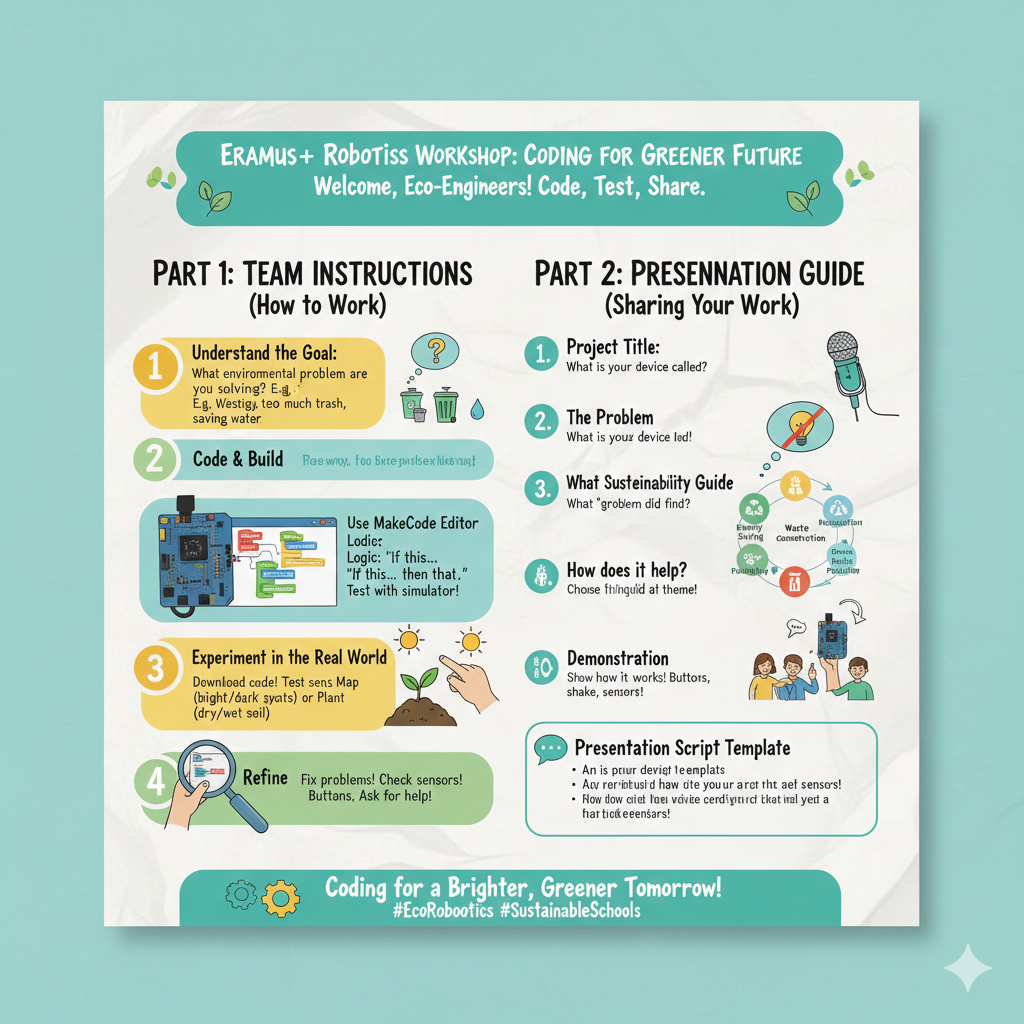
Hands-on Robotics Activity (60 min)
Challenge: “Can your Microbit help our school become greener?”
- Each team presents their projects.
3D Printing Workshop (60 min)
- Short introduction: How does a 3D printer work?
- Online Libraries with 3D projects.
- Create a 3D file from an image.
- Using Tinkercad (classroom links).
- Using the community gallery of Tinkercad.
- Creating a 3D project.
- Creating a 3D file for printing.
- Students design or modify a simple eco-themed object, such as:
- Keychain with eco-symbol
- “Recycle” badge
- Small model of a sustainable school
- Logo for their awareness campaign
Print Demonstration (10 min)
- Start printing one or two selected designs during the session.
Expected Outcomes
- Students learn to communicate environmental messages.
- Hands-on experience with digital fabrication.